
How to Turn a Photo Into a Cross Stitch Pattern
Converting a picture into a chart is not magic, and it is not one button either. The tool does the arithmetic; you make three decisions that matter more than anything the software does on its own.
The short answer
Upload a clear image, set the width in stitches, and set how many DMC colours you will allow. Everything else follows from those three. Our cross stitch pattern maker does the conversion and hands you a printable PDF chart, a DMC thread list and a picture of the finished piece.

Step 1. Choose an image that can survive being simplified
A chart has one colour per square and no gradients. Anything that depends on soft light, fine texture or a busy background loses that detail on the way in. Clean shapes, strong outlines and an obvious subject convert best: a pet against a plain wall, a single flower, a logo, a child’s drawing, a silhouette.
Before you upload, crop tight around the subject. A photo that is half sky spends its colour budget on sky.
Step 2. Set the width in stitches
Width, not inches, is what sets the detail. Sixty stitches keeps a design bold and quick; 110 stitches or more holds eyes, outlines and small features. Height follows your image’s proportions unless you set it yourself. We go into this in the size guide.
Step 3. Set the colour limit
Fewer colours mean fewer thread changes and a calmer, more graphic result. More colours hold shading, and cost more time and floss. How many DMC colours a pattern needs covers the ranges we use for beginner charts and for portraits.
Step 4. Generate and read the result honestly
The generator matches every square to the closest real DMC floss colour, gives each colour a symbol, cleans up single stray stitches and reports what it produced: size in stitches, colours used, coverage and a quality grade. Look at the finished-look preview first. If the subject is not readable there, it will not be readable in thread either, and the fix is a better crop or a wider chart, not more colours.
What you get
- A multi-page PDF chart with a cover, the DMC floss legend and the chart pages, in US Letter and A4.
- A one-page version for stitching from a phone or tablet.
- A finished-look PNG.
- A thread list with DMC numbers, colour names, symbols and stitch counts.
Print the PDF at 100% or Actual Size, never Fit to Page, or the grid will not match the counts.
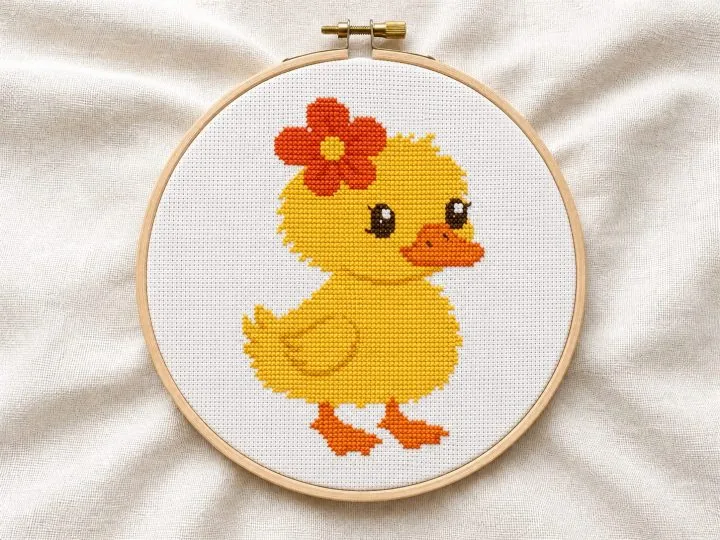
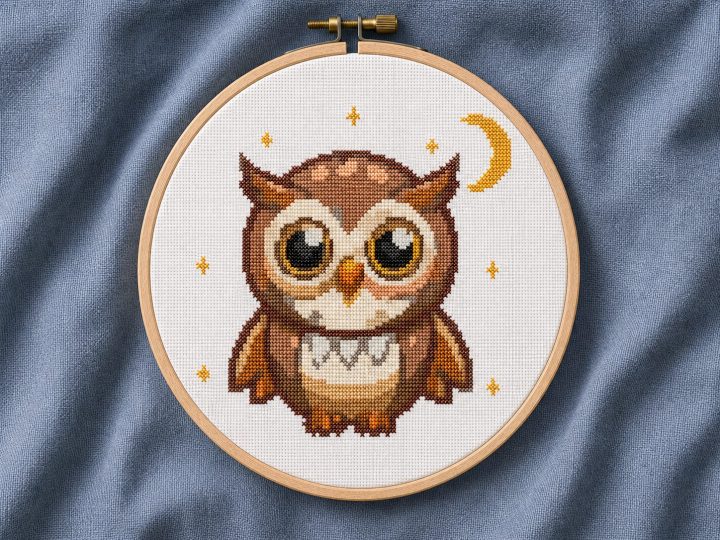
Ready-made patterns to stitch today
Instant PDF download from $3.91. Printable and mobile charts, Pattern Keeper file and full DMC list.



When a generated chart is not the right answer
Automatic conversion works on clear subjects. Faces, wedding photos and anything where a likeness matters still benefit from a human eye: shadows get simplified in the wrong places and skin tones drift. For those, Joanne charts by hand as a custom pattern.
Try the pattern maker with something simple first — your first pattern is free.